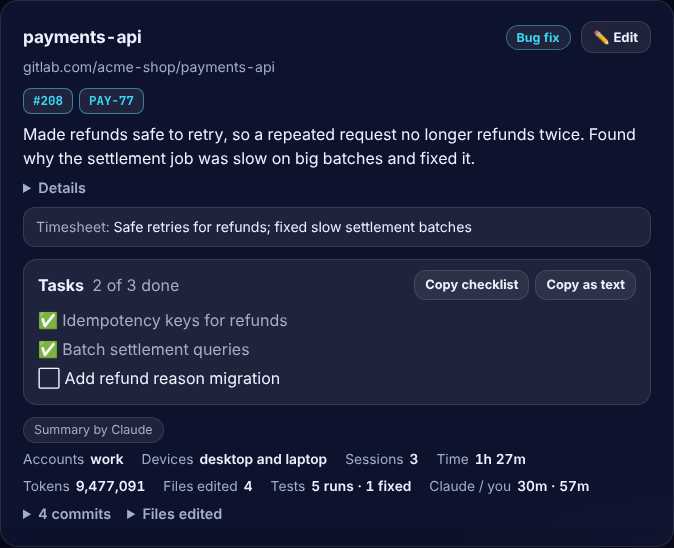
✍️ Every project, in plain words
One card per project with a short summary, the kind of work, pull requests and tasks. Claude writes the summary with your own account, or skip AI and keep it fully local.
 Worklog for Claude Code
See what you did with Claude Code each day, in plain words, with tokens and hours per project. Free, open source, and private: it runs on your computer and keeps your data in your own git repo.



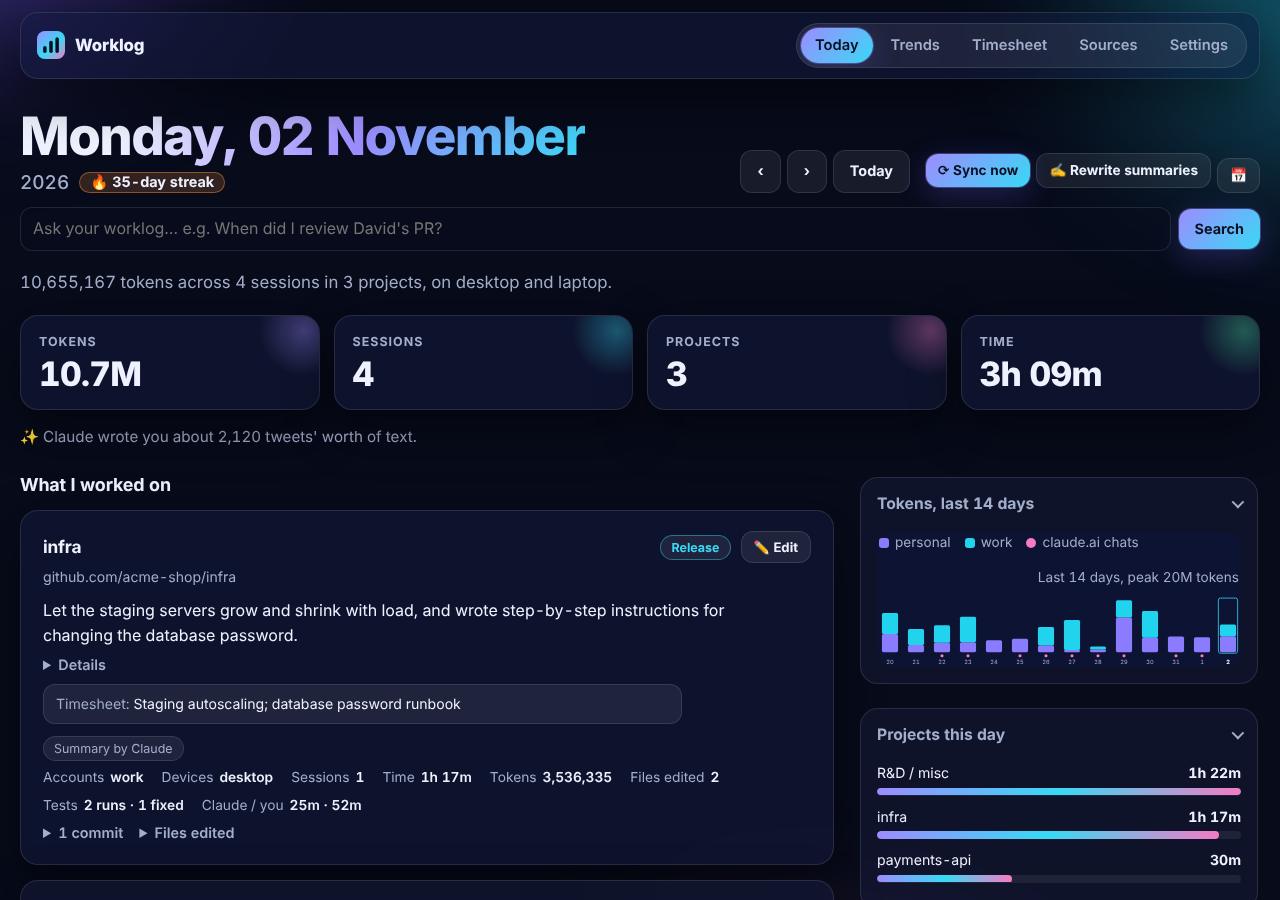
Worklog reads Claude Code's own session logs on your computer and turns them into a work log you can read, search and share.
One card per project with a short summary, the kind of work, pull requests and tasks. Claude writes the summary with your own account, or skip AI and keep it fully local.
Tokens by account and model, and active hours, for every project and day. See which work uses your Pro or Max limits.
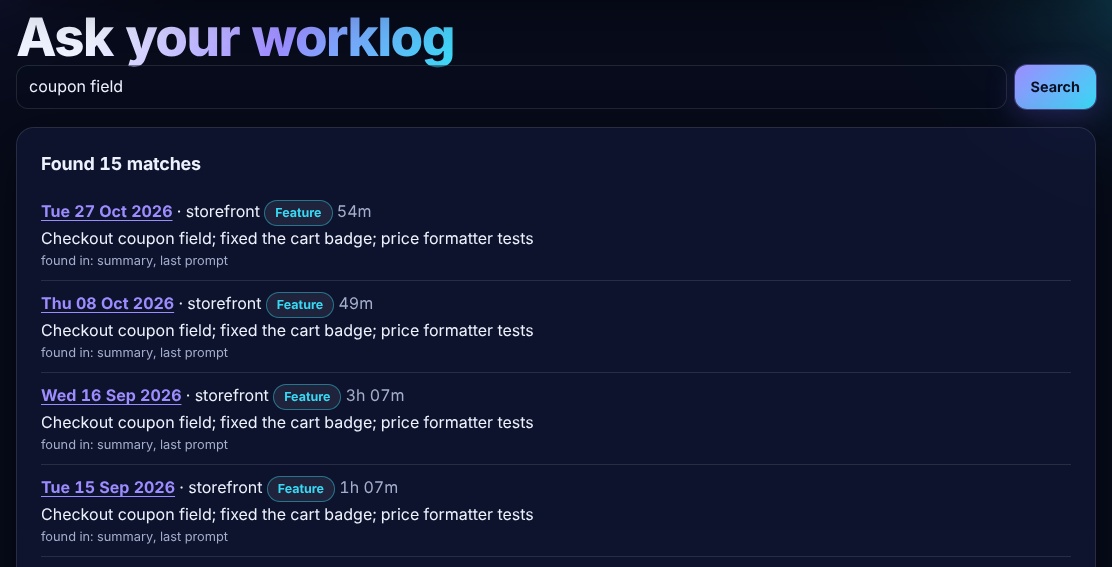
"When did I review PR 505?" Search forgives typos and finds the day. Tick Ask Claude for a short written answer with links.
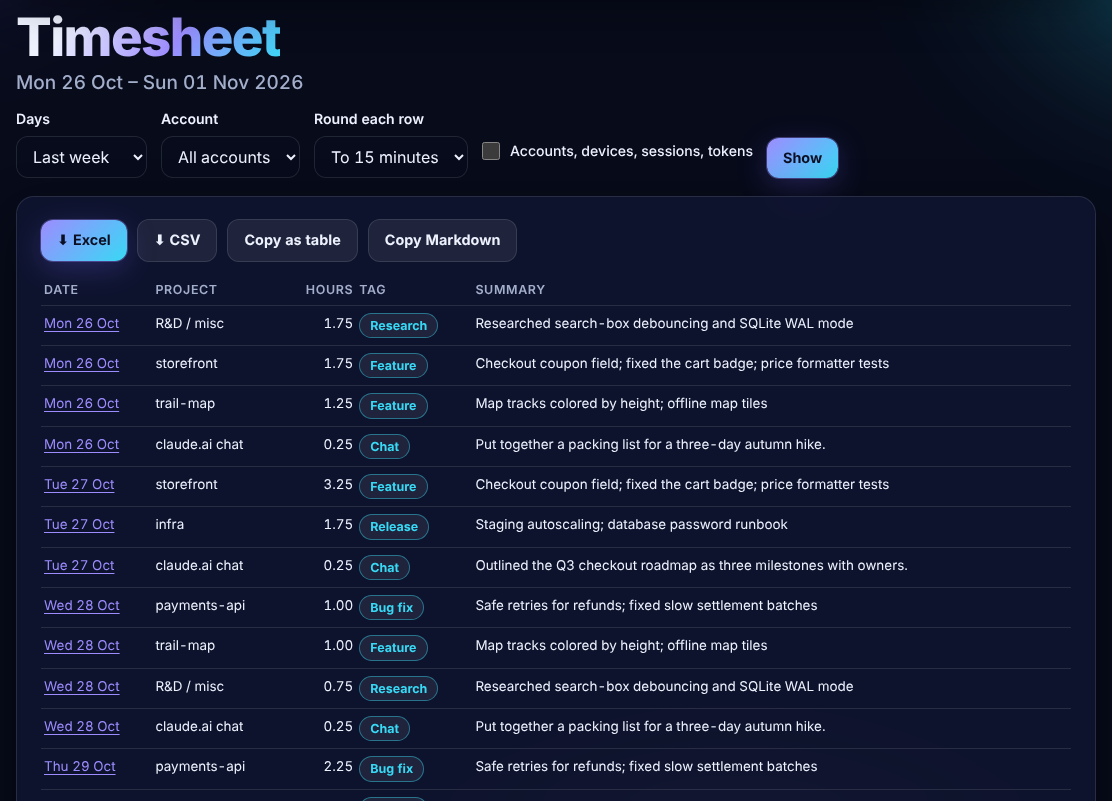
Hours, kind of work and one line per project and day. Download it as Excel or CSV for your client or manager.
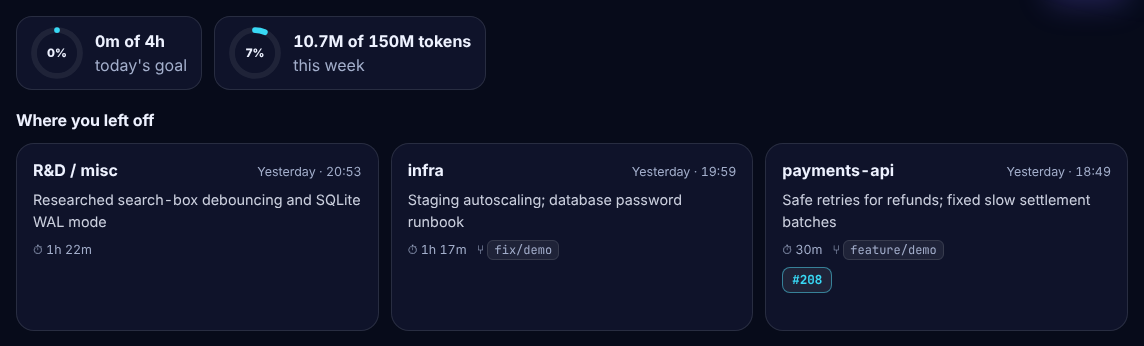
Your last projects, open tasks, branch, PRs and tickets at the top of the page, so mornings start fast.
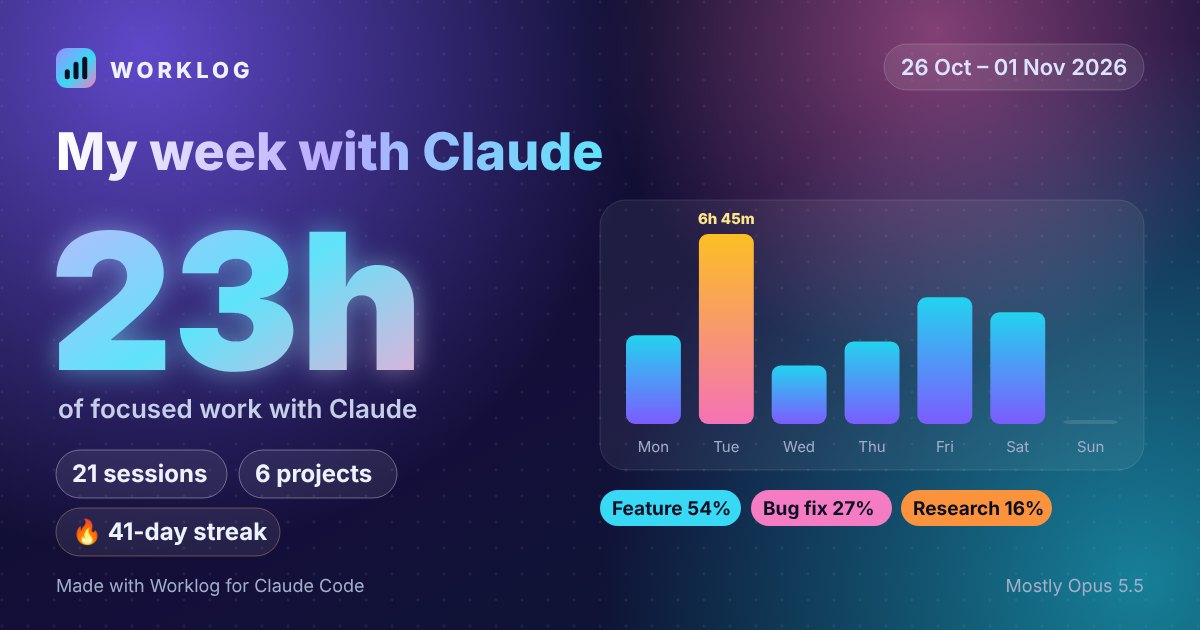
A card for a day, week, month or year, wide or square. One click opens LinkedIn or X with the post written. Totals only, never prompts or files.
You need Python 3.10+, git and Claude Code. Linux, macOS and Windows.
pipx install worklog-for-claude-code
git init ~/claude-worklog-dataclaude-worklog install-service
localhost:8765, fill in the short form, then use Claude Code as usual. A checklist shows anything still missing.
Just looking? Try it on made-up data, with nothing installed: pipx run --spec worklog-for-claude-code claude-worklog demo, then open localhost:8766.
Install Worklog and open its dashboard. Every project gets a card with its tokens, active hours and what you did, read from Claude Code's own session logs on your computer.
No. It never saves your files or Claude's replies. Notes stay on your computer and in a private git repo you choose. AI summaries are optional and use your own Claude account; turn them off to stay fully offline.
Yes. It tells accounts apart, even with one-click account switchers, and combines several computers through your private git repo.
Yes: turn on the phone summary on one computer and open your data repo's phone folder in the GitHub app. It stays private.
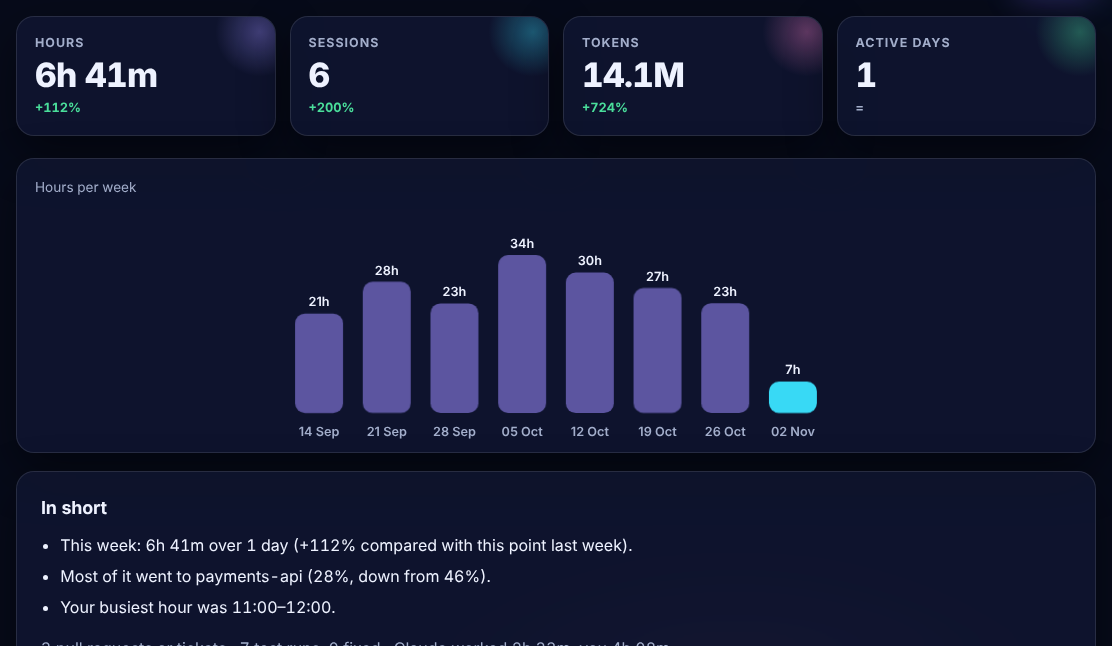
Token reports tell you how much you used. Worklog also writes down what you worked on, project by project, keeps a timesheet, shows where you left off, and lets you search or ask about past work. You can use it alongside other tools.
Yes. It's open source under the MIT licence.